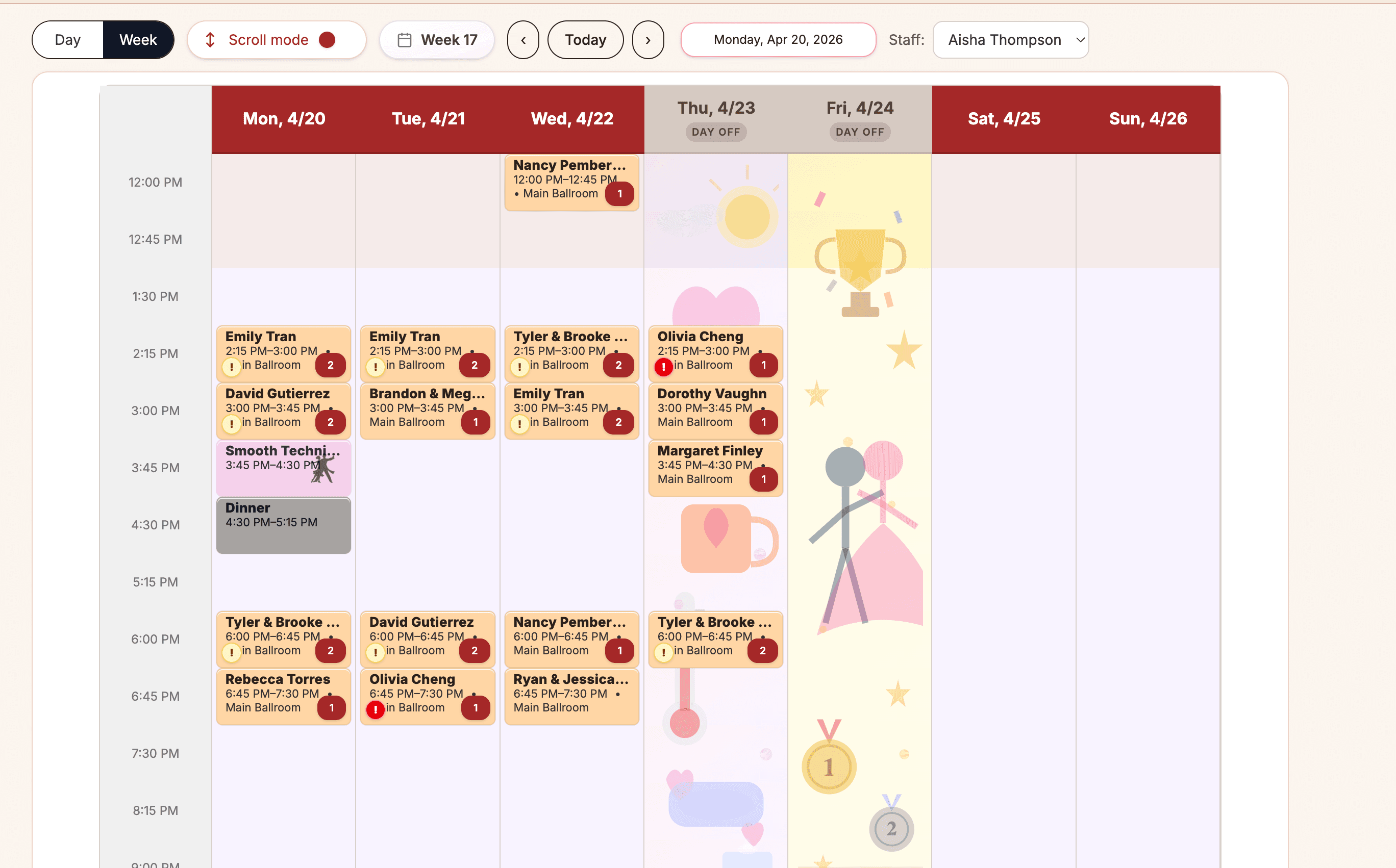
Choosing software
Ballroom Studio Software Checklist
Reading time: 5 min read - Best for: Owner
A practical checklist for owners comparing dance studio software for ballroom schedules, packages, couples, sales, and follow-up.

 Ballroom Booking
Download the official app for iPhone, iPad, or Android.
Resources
Resources help with buying, switching, and demo preparation. Feature pages show what Ballroom Booking does; this hub helps you decide what to inspect first.
Studio Operating View
Ballroom Booking
Start here
Start with buying and switching questions, then move into the daily workflows your team needs to inspect.
Choosing software
Reading time: 5 min read - Best for: Owner
A practical checklist for owners comparing dance studio software for ballroom schedules, packages, couples, sales, and follow-up.
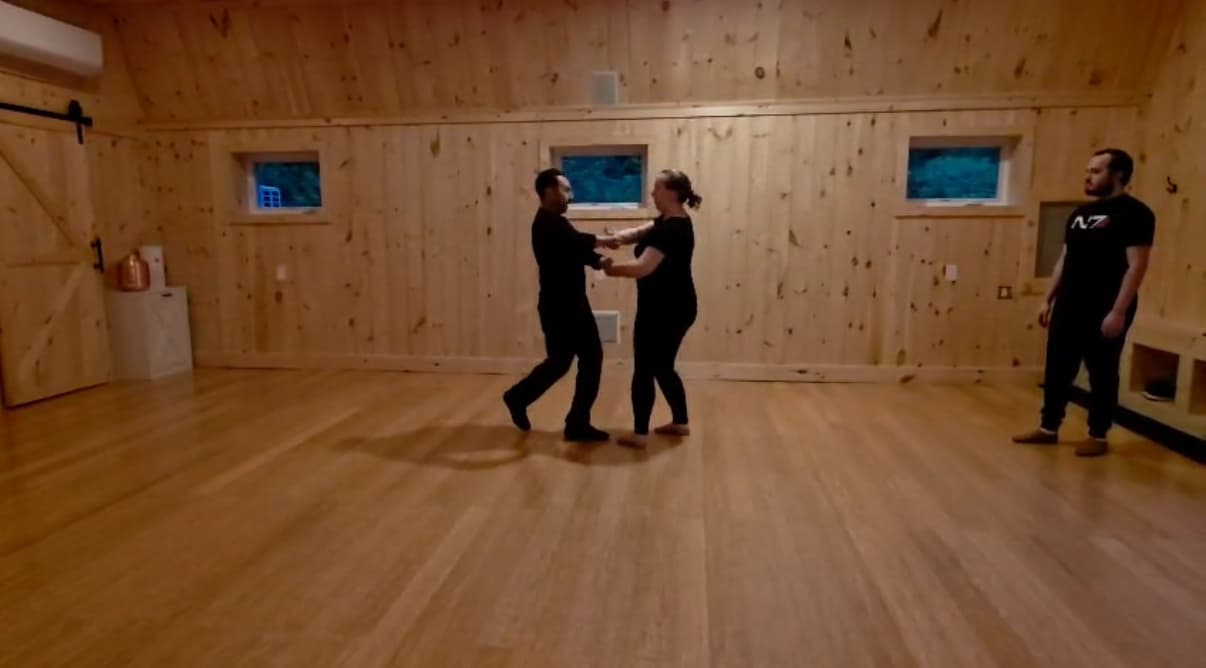
Switching/setup
Reading time: 7 min read - Best for: Owner
A guided planning path for organizing students, couples, packages, schedules, public sales, and staff before switching tools.
Choosing software
Reading time: 5 min read - Best for: Owner
A careful way to compare generic studio systems against ballroom-specific scheduling, packages, couples, and follow-up needs.
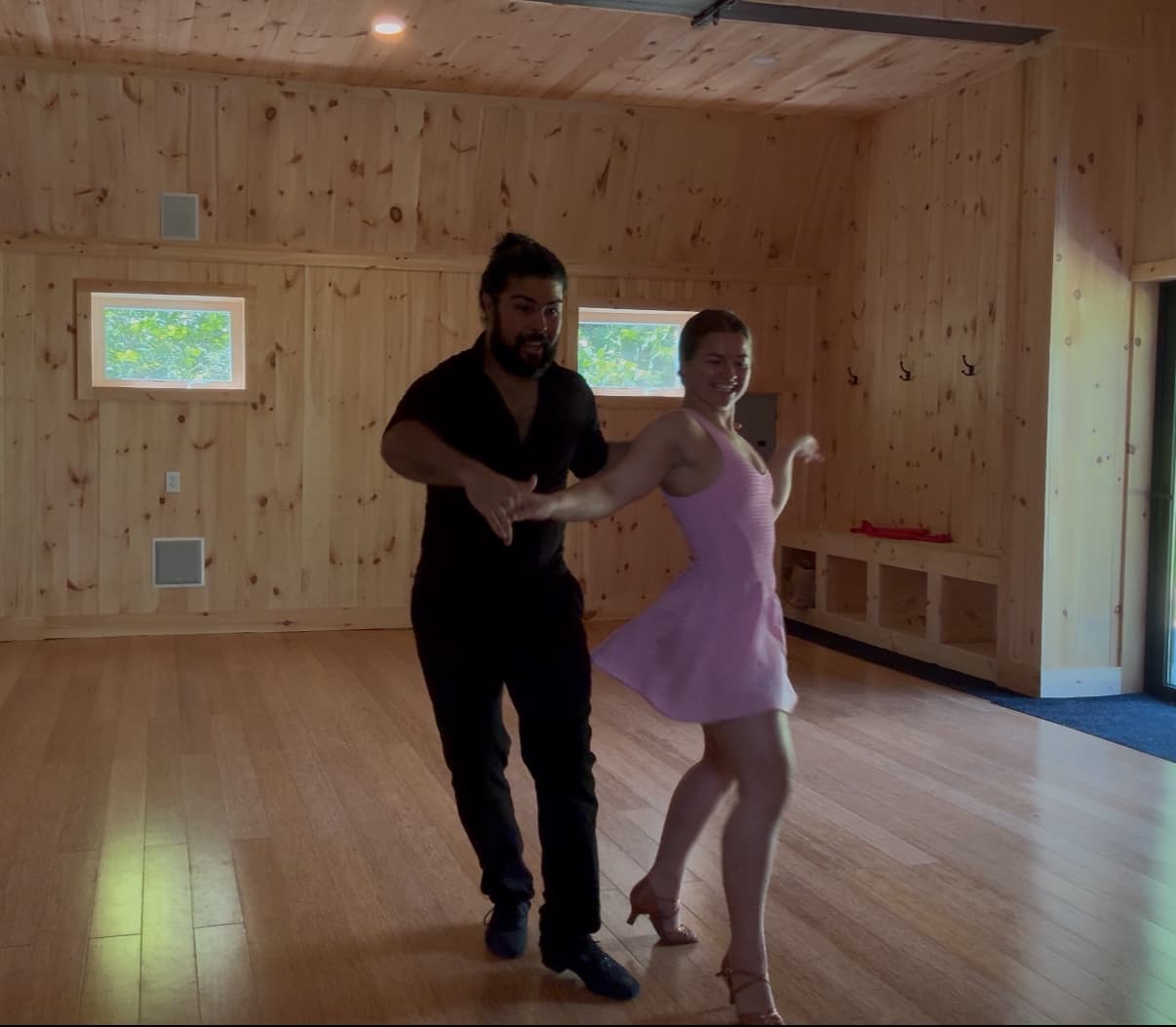
Switching/setup
Reading time: 7 min read - Best for: Owner
What to bring to a demo so the conversation can stay specific: schedules, packages, staff roles, public sales, and current pain points.
Switching and setup
Guides for planning a careful move from spreadsheets or broad studio software.
Daily studio workflows
References for schedule, client account, staff, class, party, and day-to-day operating questions.
Sales, packages, and follow-up
Resources for package visibility, intro offers, gift certificates, reports, and front desk follow-up.
Next step
The resources should not make you reread the same workflow claims. Pick the question you are trying to answer next.
Start with the owner checklist, then review how Ballroom Booking handles ballroom-specific workflows.
Open checklistUse the migration guide to separate what can be organized from what your studio should review first.
Read migration guideGo to the feature overview when the next question is whether the product covers lessons, packages, public sales, and follow-up.
View featuresUse the pricing page when the next question is subscription cost, annual savings, or how the platform fee works.
Review pricingRequest a demo when you have the current software, biggest pain point, and first workflow your staff needs to trust.
Request demoSend the current software, instructor count, studio location, and biggest switching concern so the first conversation can stay useful.