1
Capture the lead
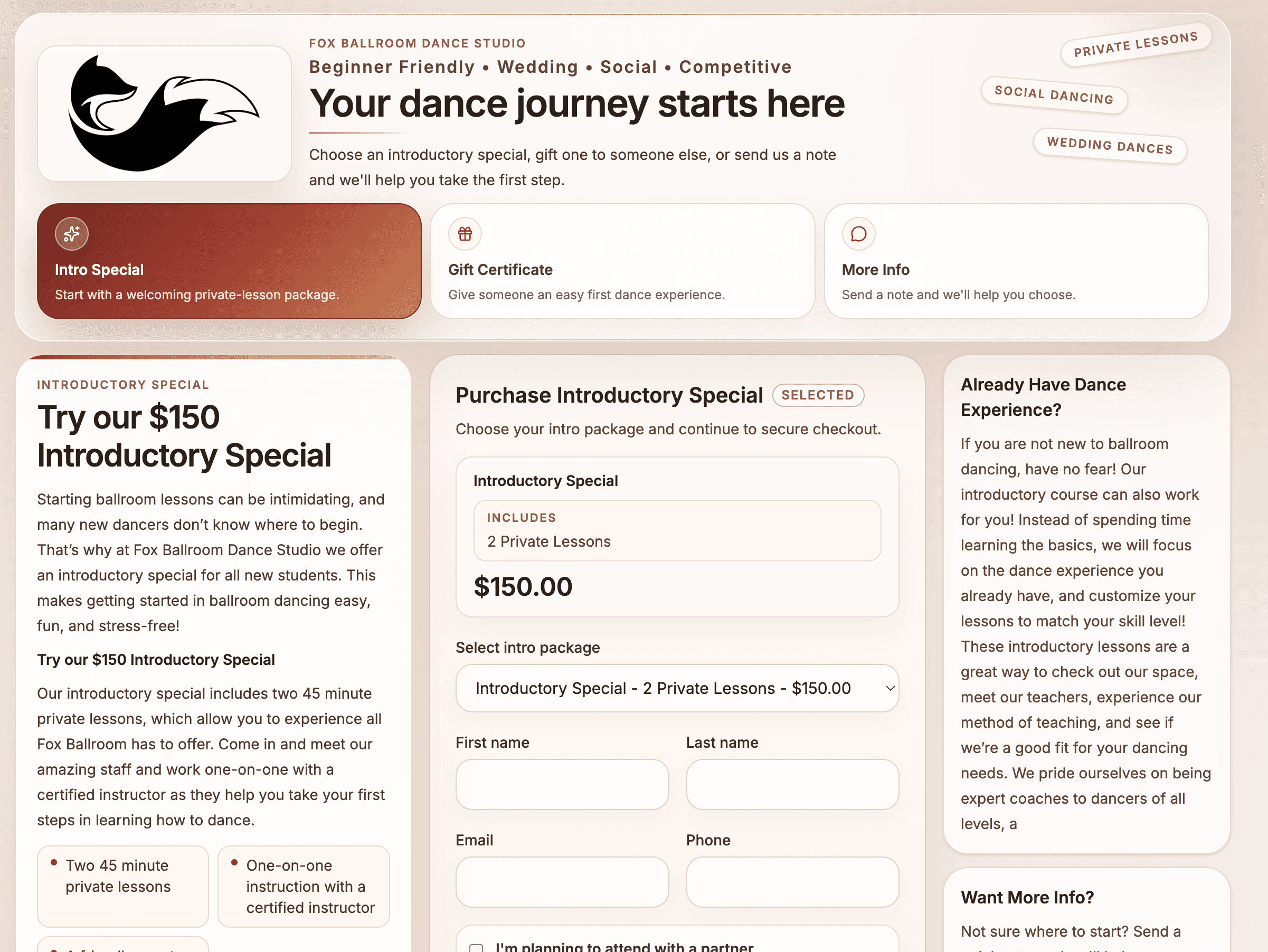
Someone asks about an intro offer or gift certificate.

 Ballroom Booking
Download the official app for iPhone, iPad, or Android.
How It Works
Ballroom Booking is organized around the daily loop studios already manage: inquiries, private lessons, packages, instructors, couples, public offers, follow-up, and owner visibility.
Studio Operating View
Ballroom Booking
Operating path
The goal is not another disconnected tool. It is a practical guided process: start with a demo, choose what matters first, bring over the right starting point carefully, and help staff use the parts they touch every day.
Someone asks about an intro offer or gift certificate.
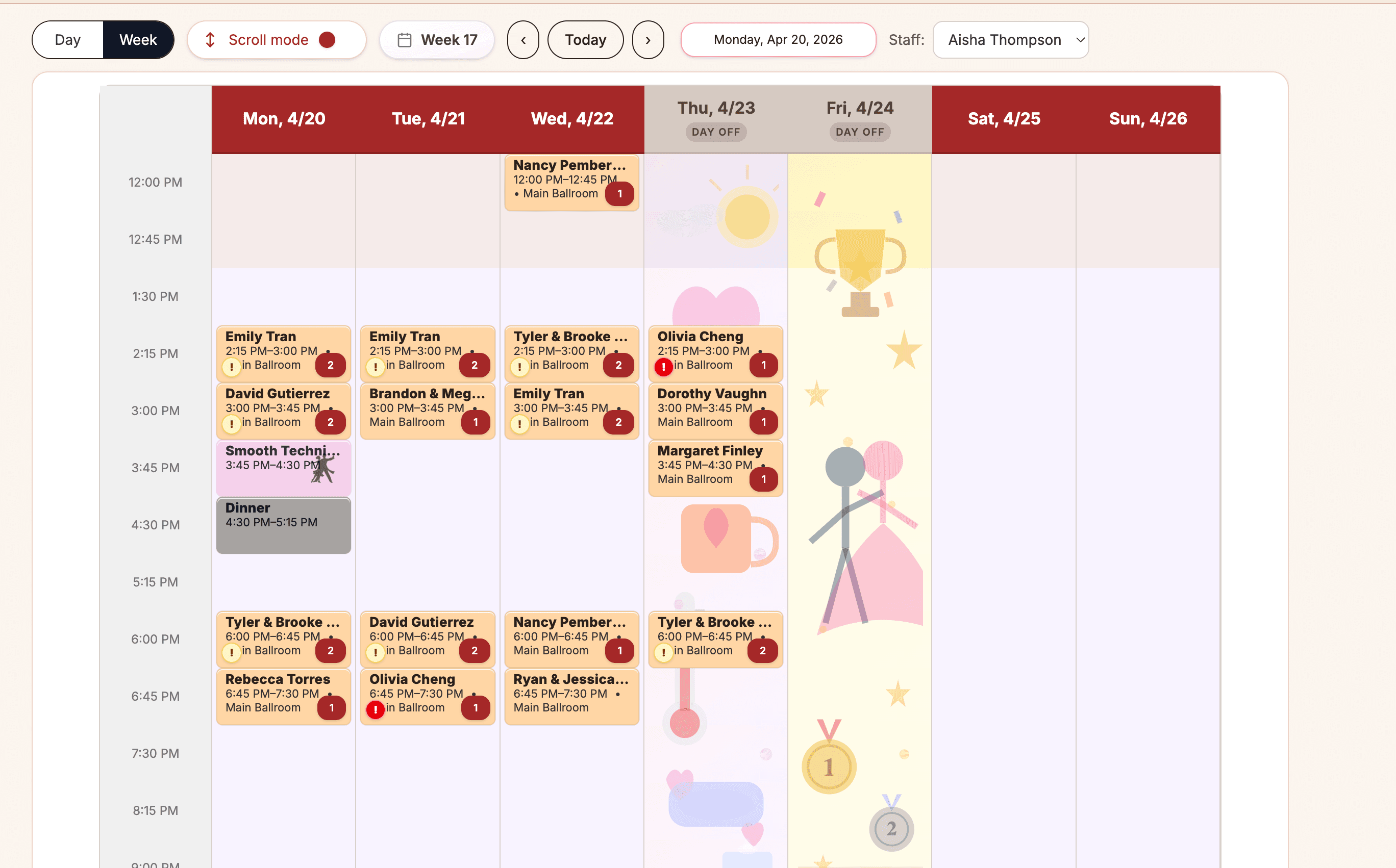
The calendar keeps lessons, classes, parties, instructors, and rooms together.
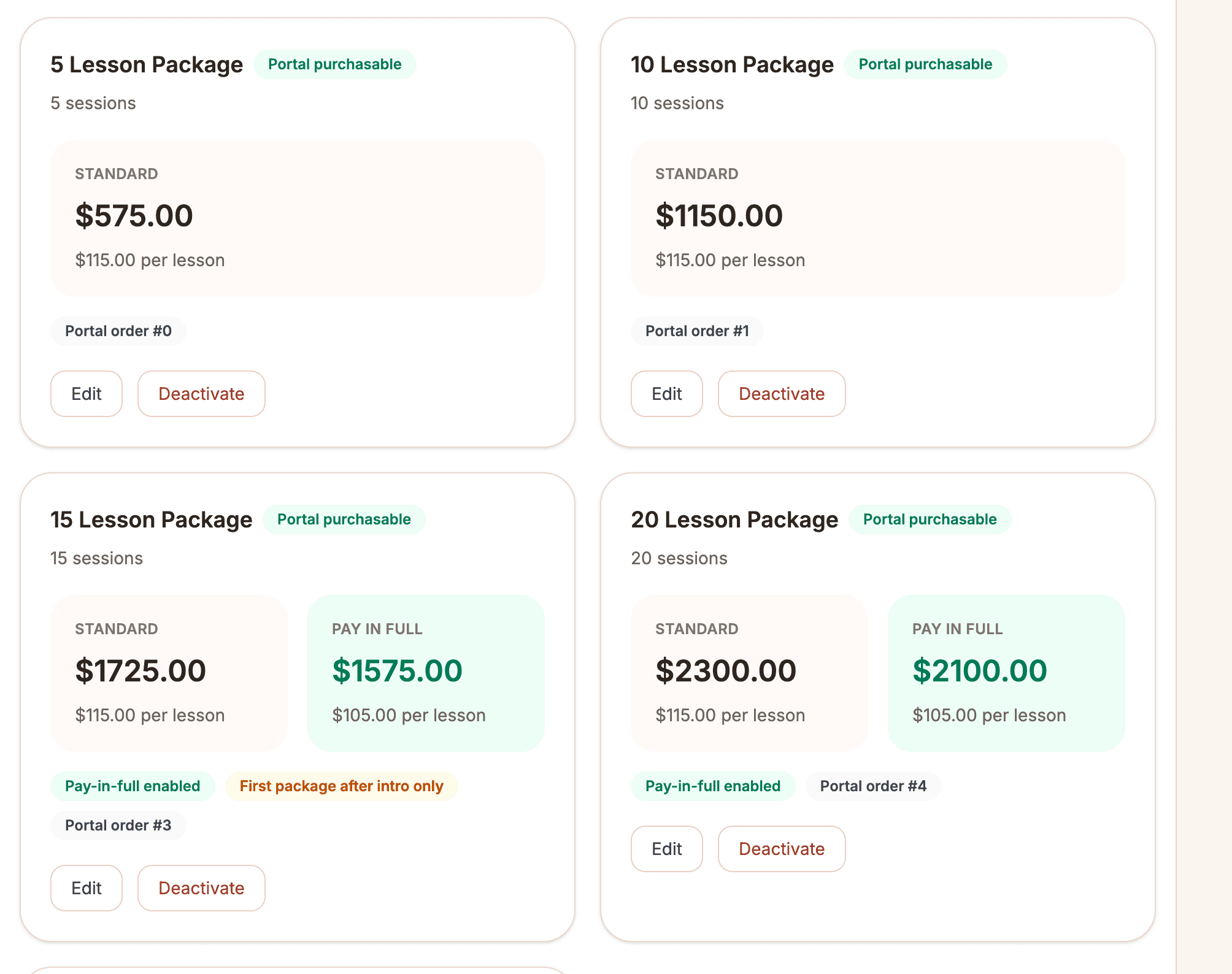
The desk can see what was purchased, what was used, and what needs attention.
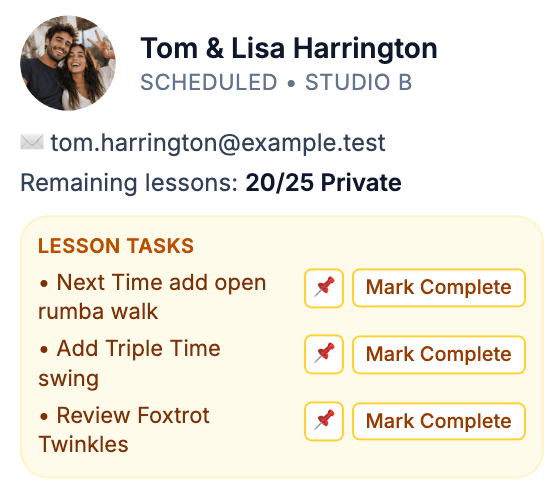
Leads and inactive students stay visible instead of disappearing.
Step by step
A useful walkthrough should make you feel how Ballroom Booking connects inquiries, intro offers, lesson packages, scheduling, student access, payments, follow-up, reporting, and the setup choices that should not be rushed.
Step 1
Start with a demo conversation about how your studio handles private lessons, packages, couples, staff, public offers, gift certificates, and follow-up today.
No instant scheduler is promised. The first step is a practical fit conversation.
Step 2
Map the parts that matter first: instructors, rooms, students, couples, lesson types, packages, and the front desk rhythm.
Setup should follow the way your studio actually runs, not force every feature into day one.
Step 3
Where useful, bring over students, packages, schedule context, and public sales details without pretending everything must switch overnight.
Bringing information over should be planned carefully; gradual change is allowed when that is healthier for the studio.
Step 4
Start with the daily calendar, package conversations, public-offer follow-up, and owner visibility your instructors and front desk actually need.
The goal is calmer daily work for staff, not a flashy launch ceremony.
Step 5
Keep intro specials, gift certificates, lesson packages, inactive students, and next steps easier to see.
Owners get clearer next-step visibility around leads, students, packages, and daily activity.
Workflow map
Follow the path from demo conversation to practical setup, private lessons, package visibility, staff adoption, follow-up, and owner visibility.
Setup boundaries
The goal is to understand the real studio data and staff workflows before deciding what should move first.
Data ownership
A switch should make data ownership, export needs, and import limits explicit before your team changes workflows.
Switching confidence
Ballroom Booking can help structure the setup conversation, but the studio still reviews the records, exports, payment decisions, and workflows that carry trust.
Migration table
This is the clean boundary: Ballroom Booking can help organize the setup path, and the studio still reviews the records and workflows that carry trust.